Register a Repository
Register a local folder as a Paddra Files Repository.
Register a Repository
Register a local folder as a Paddra Files Repository.
1. Open Paddra Files
Register a local folder as a Paddra Files Repository.
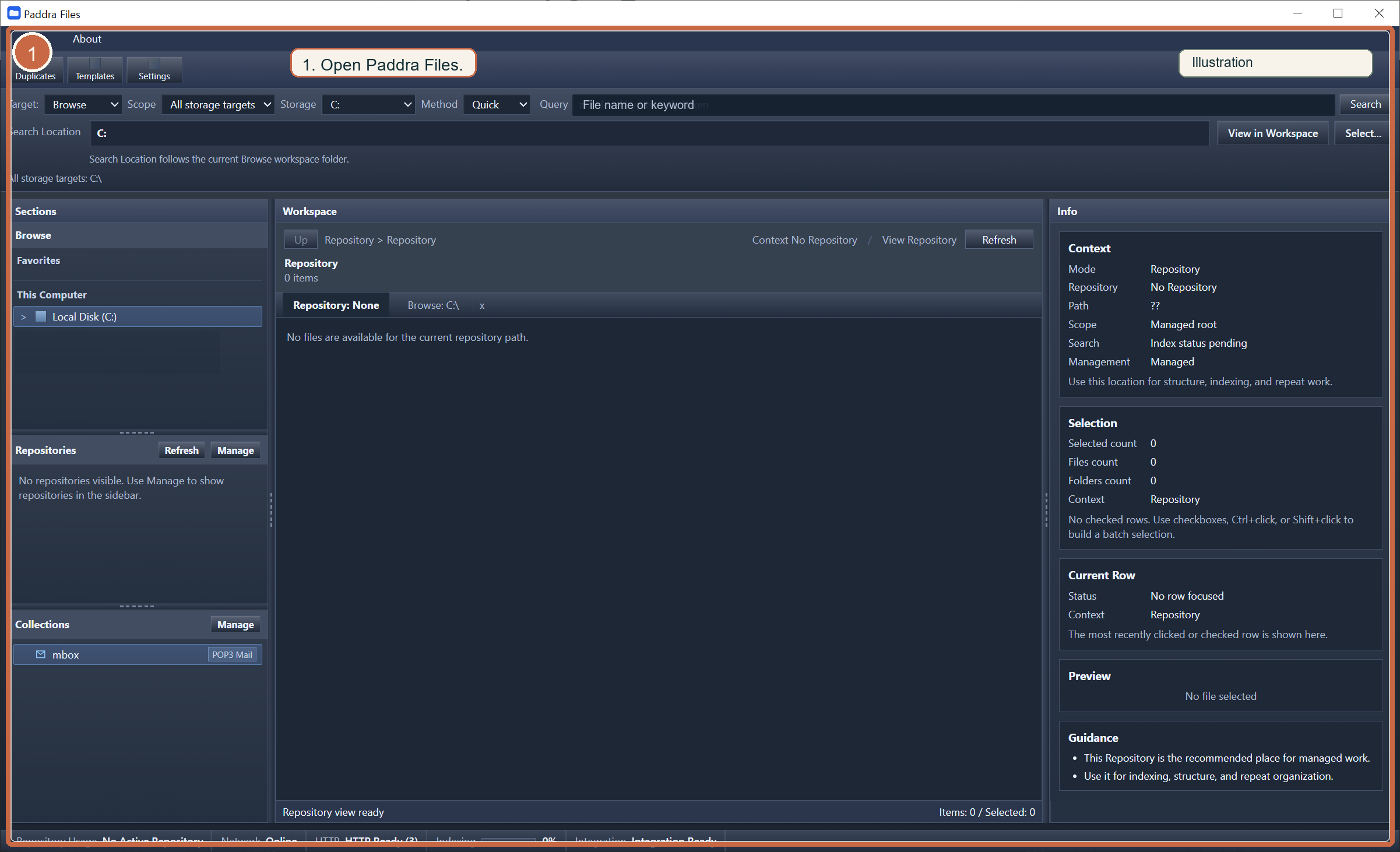
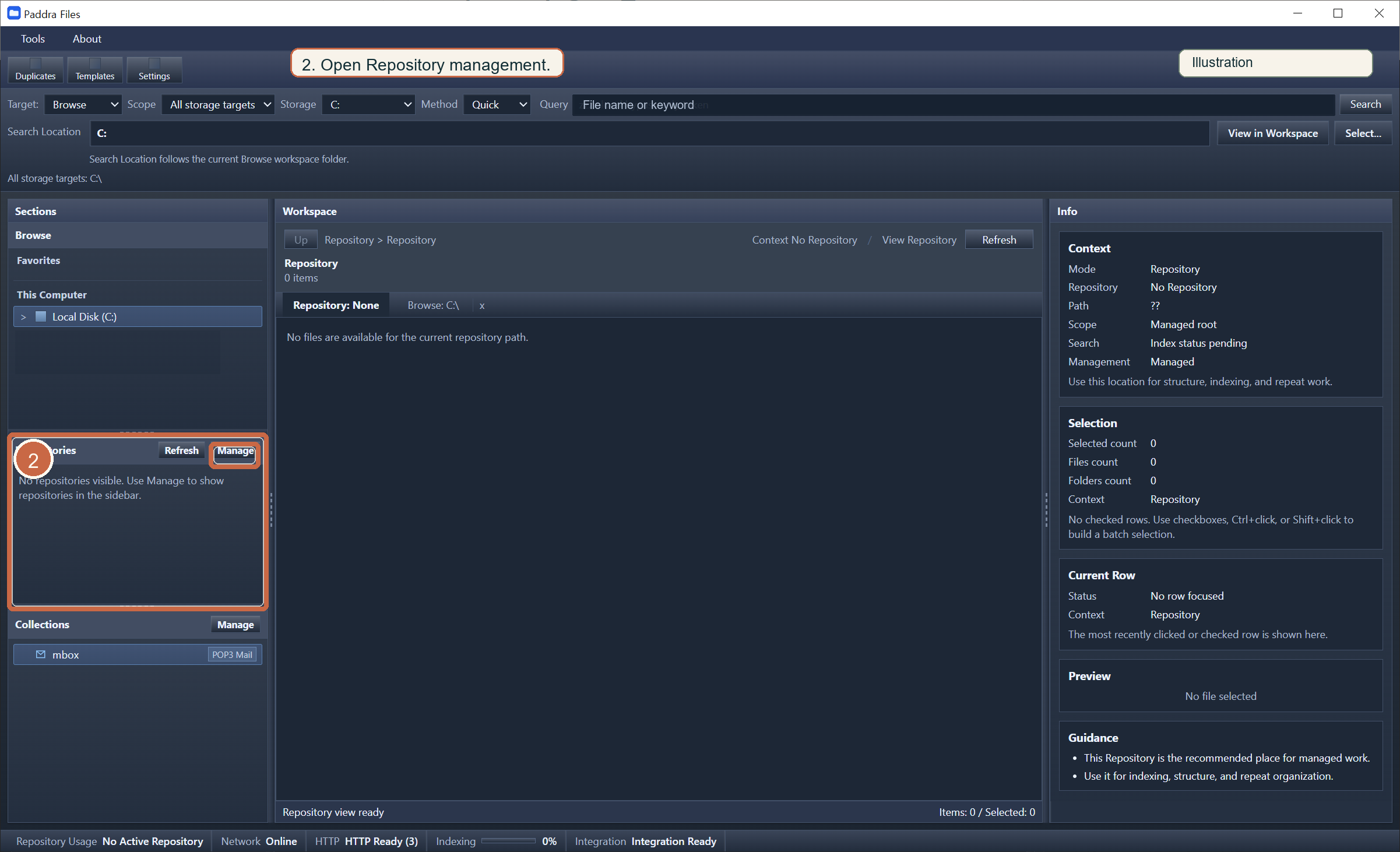
2. Go to Repository management
Register a local folder as a Paddra Files Repository.
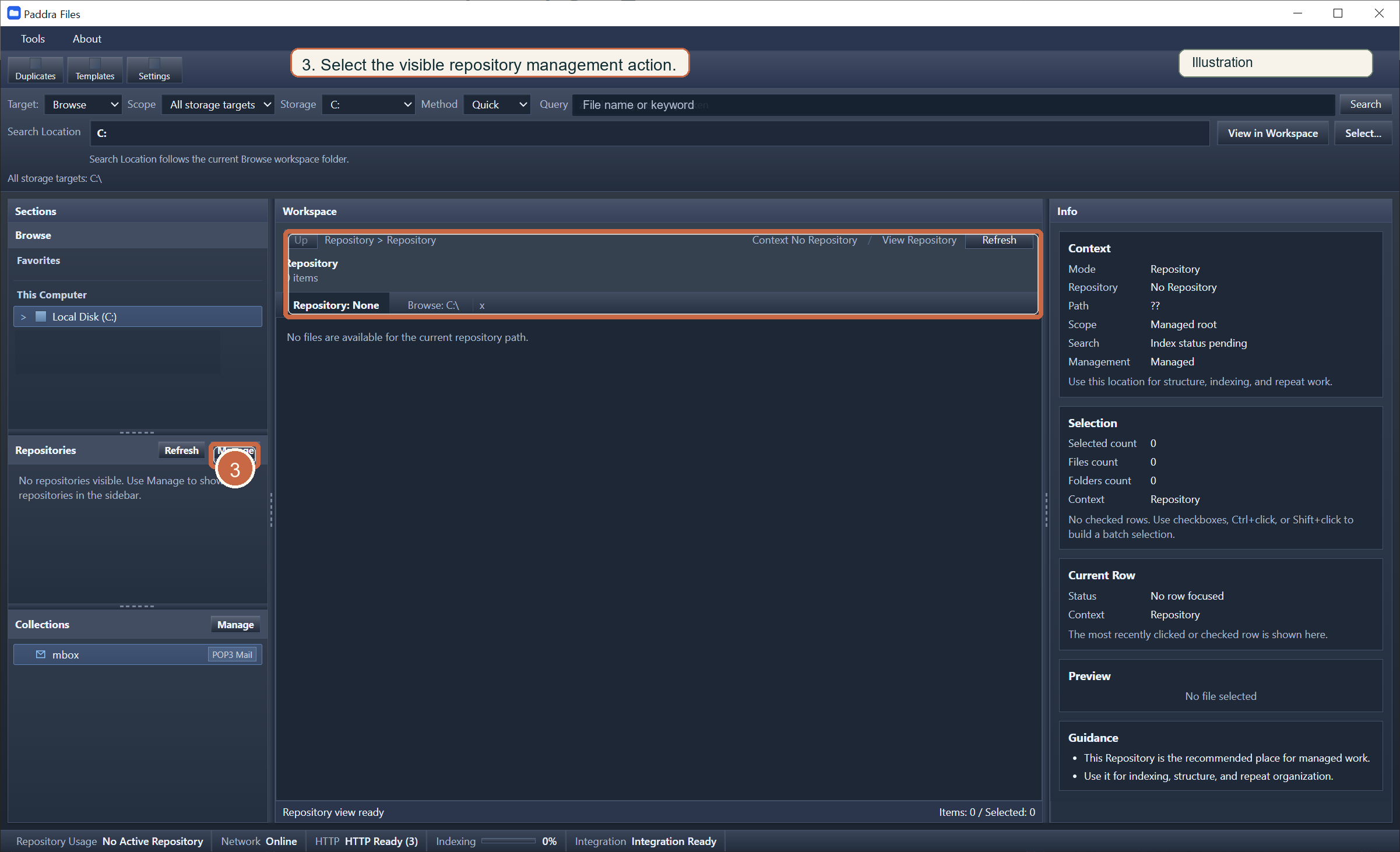
3. Select the add Repository action
Register a local folder as a Paddra Files Repository.
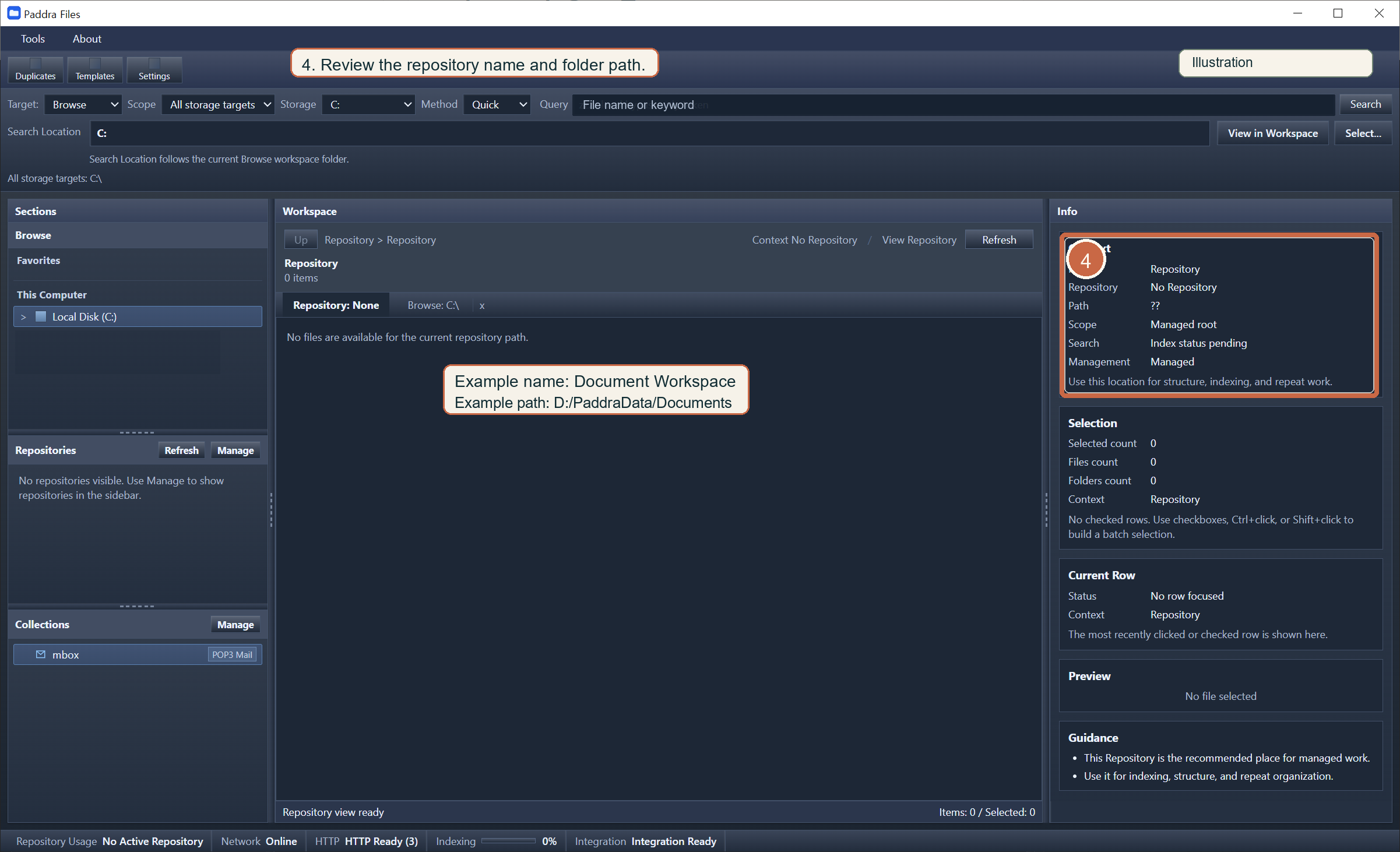
4. Enter a name and real folder path
Register a local folder as a Paddra Files Repository.
5. Check access and display status
Register a local folder as a Paddra Files Repository.
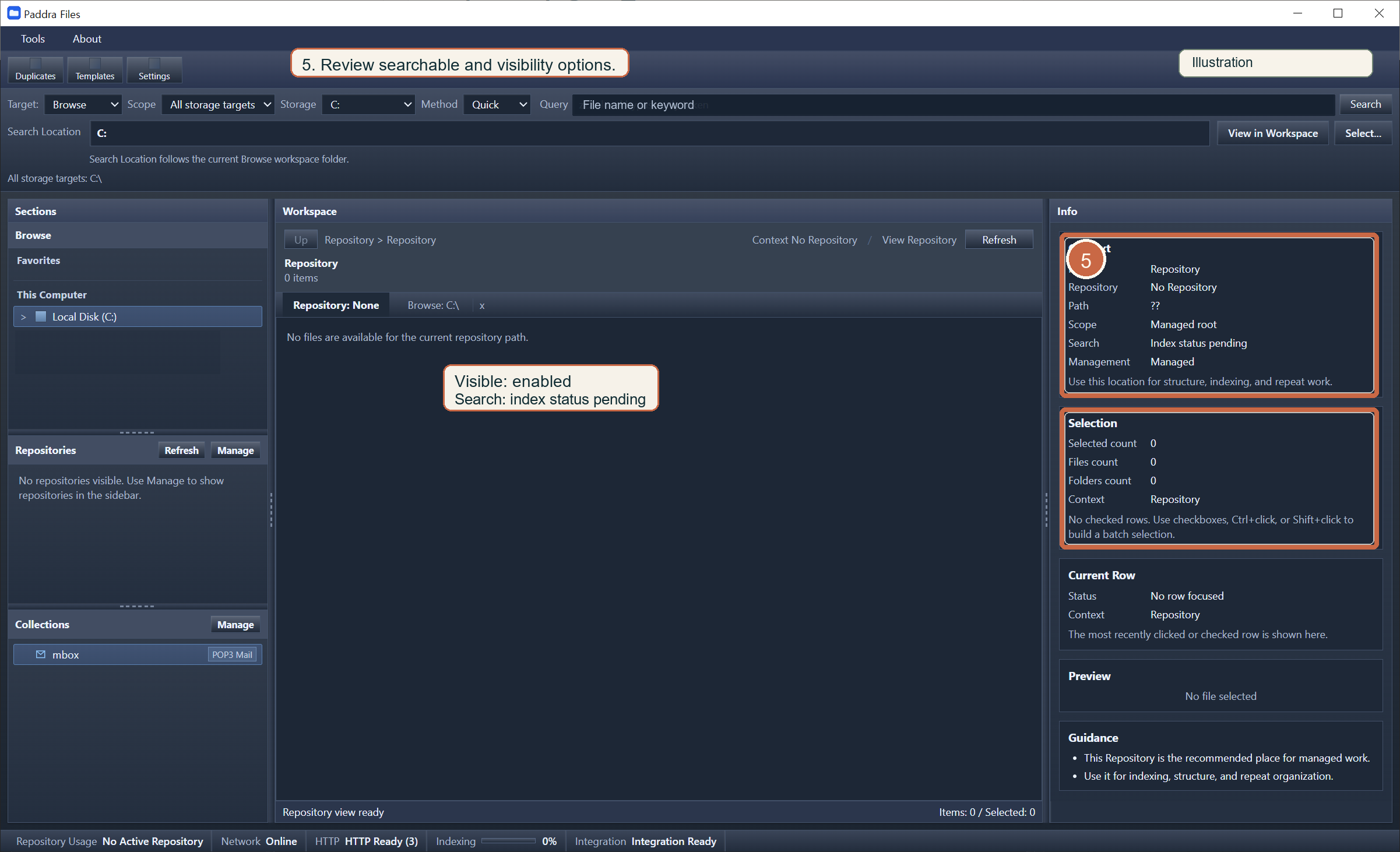
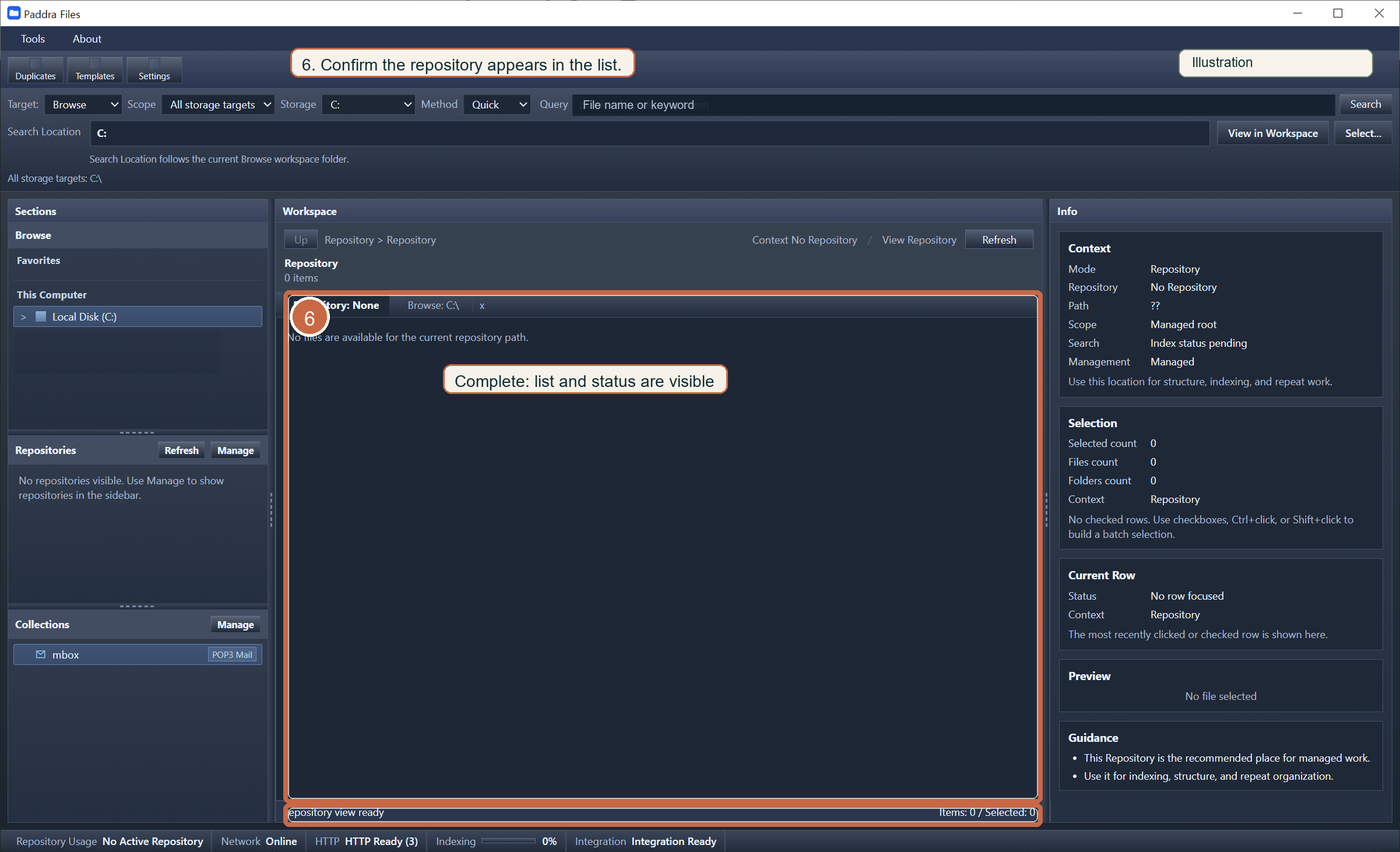
6. Save and confirm the list
Register a local folder as a Paddra Files Repository.
If something goes wrong
Register a local folder as a Paddra Files Repository.